Adding the returns portal to your store
Where your portal lives and how to put a link to it where shoppers will find it.
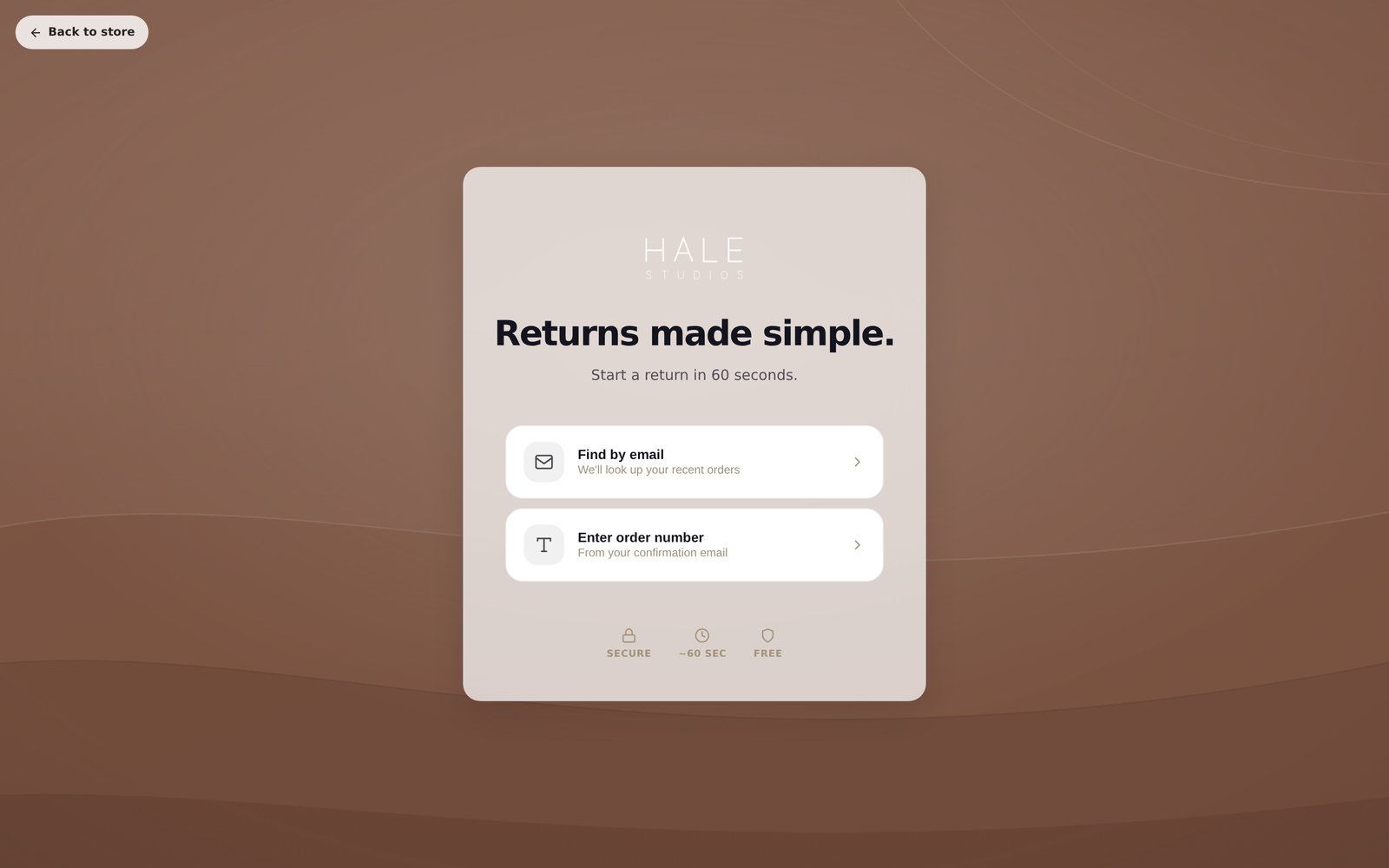
The portal is the page where shoppers start a return themselves. They enter an order number and email address, pick what's coming back, and choose a refund, store credit or an exchange. They don't need an account.
Your portal has two addresses:
- On your store:
yourstore.com/apps/returns. It sits on your own domain, which shoppers already trust. - A hosted link:
app.yoyoreturns.com/portal?shop=your-store.myshopify.com. Use this anywhere a full link is needed, such as a WhatsApp message or a QR code on a packing slip.
A portal only cuts down support emails if people can find it. The footer and the order confirmation email are the two places that matter most.
How to set it up
Use the one-click options at the end of setup
The Live step of setup offers to add a "Returns" link to your footer, point /pages/returns at the portal, and publish your returns policy page. Shopify asks your permission first. If you skipped these, do them by hand with the steps below.
Add a footer link by hand
In Shopify admin go to Online Store → Navigation, open your footer menu, and add a link called "Returns and exchanges" pointing to /apps/returns.
Add a link to your order confirmation email
In Shopify go to Settings → Notifications and edit the order confirmation template. A short line near the bottom, such as "Need to return something?", works well.
Check it
Visit your store, click the footer link, and make sure the portal loads with your branding. Portal in the Yoyo menu has an Open portal button if you want to check it from the admin. Logo, colours and wording are under Portal → Customise.
Good to know
/apps/returnsruns through Shopify's app proxy. It uses your domain and your SSL certificate and needs no configuration.- The portal is available in English, Swedish, Norwegian, Danish, Finnish and Arabic (with right-to-left layout). It follows the shopper's language.
- If you sell to the EU you also need a separate "Right of withdrawal" link in your footer. See Right of withdrawal (EU).