Test a return before you launch
Put one order through the whole flow, from the portal to approval, before a real customer does.
A test return takes about fifteen minutes. You place an order as a customer, return it through the portal, then approve it in the admin.
It's worth doing because returns have several parts that need to work together: your policy, the portal, the carrier and your emails. It's better to find a missing carrier login on a quiet afternoon than from a customer on launch weekend.
How to run the test
Create a test order
In Shopify admin go to Orders → Create order, add a product, and use your own email address as the customer. Mark it as paid and fulfilled. If your store isn't live yet, Shopify's Bogus Gateway works too.
Open the portal as a shopper
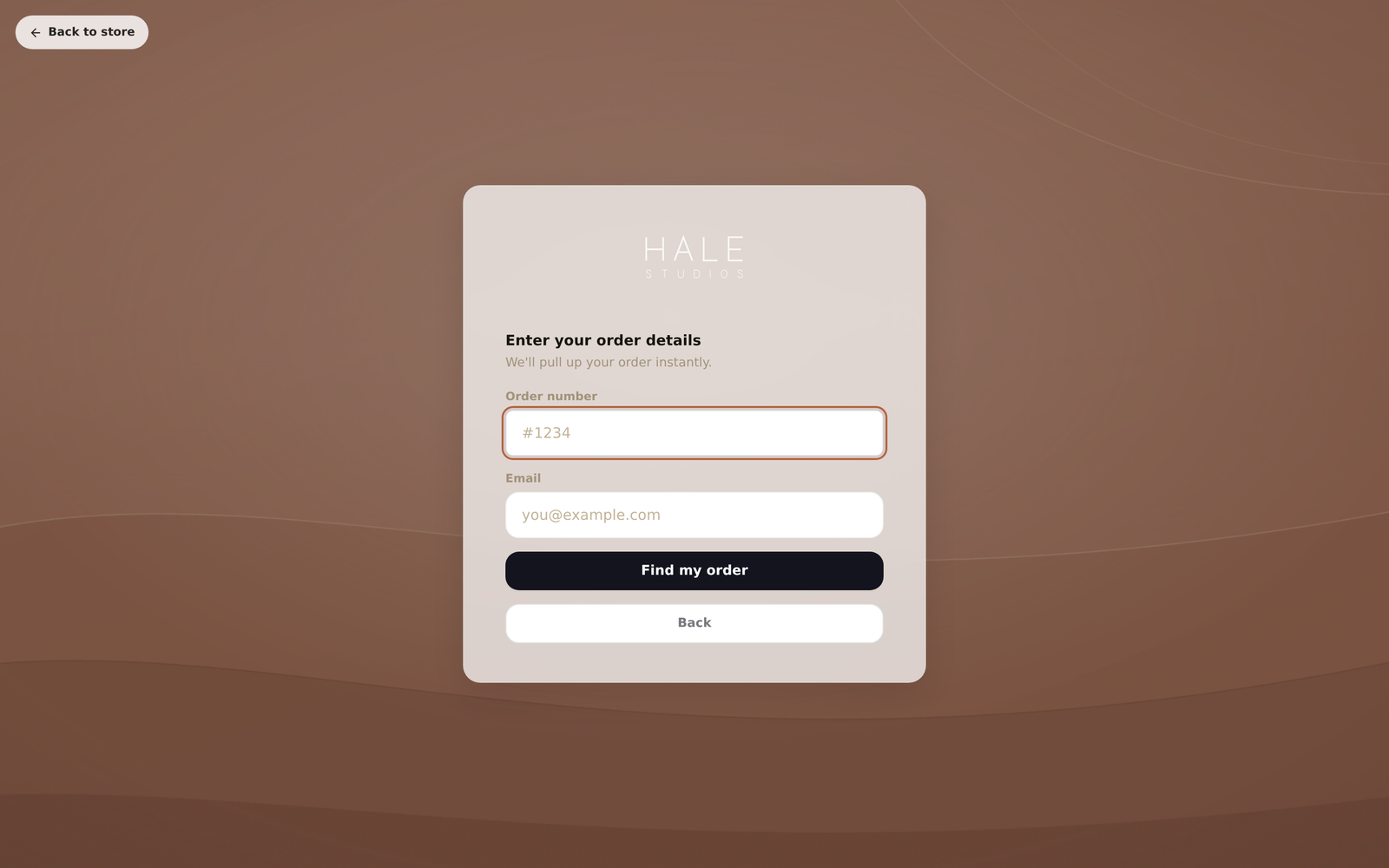
Click Open portal in the Portal section, or use Try a return as a customer at the end of setup. Choose Enter order number and give the order number and email you used. Find by email also works: it sends you a code that lasts 15 minutes, then lists your orders.
Pick an item and a reason
Select the item, choose a reason and add a short note. Read the wording as you go. This is what your customers will see.
Choose an outcome and how it's coming back
Pick refund, store credit or exchange, then a return method. If you have a carrier connected you'll get a real label or collection booking, and your carrier will charge you for it as normal.
Approve it in the admin
Back in Yoyo, the request is under Returns. Click the row to open it, check the details, and click Approve. Then check your inbox for the email your customer would get.
Good to know
- If the Standard requests dial under Return Rules → Automation is set to Auto, a simple test return may approve itself. That's expected.
- If you test an exchange where the new item costs more, you'll be sent to your store checkout to pay the difference.
- Cancel the test order afterwards so it doesn't show up in your reports.