How customers pay in the portal
When a shopper has something to pay, such as a price difference on an exchange or a return label fee, this is how the money is collected.
Most returns involve no payment from the customer. There are three cases where one does:
- They're exchanging for something that costs more, and owe the difference.
- Your policy charges for the return label, and they pay upfront.
- They've added an extra item to their exchange parcel.
The portal adds these up and shows one total on the review screen, with each part listed. The return isn't submitted until it's paid.
How it's collected
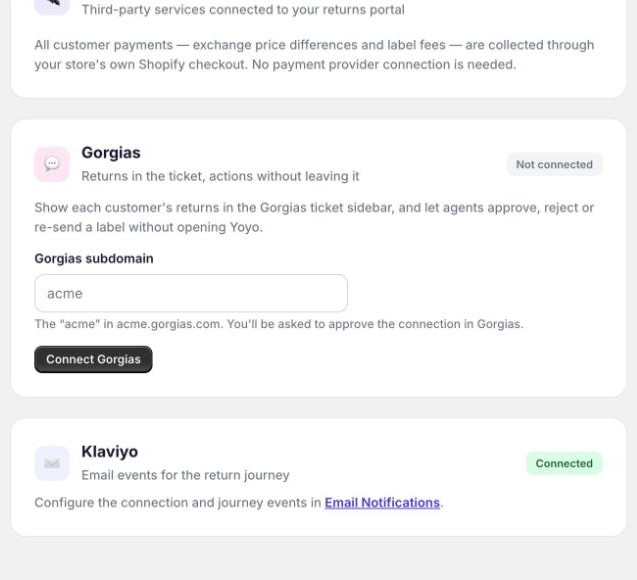
Payment goes through your own Shopify checkout. There's nothing to set up and no payment provider to connect.
When the customer clicks pay, your normal store checkout opens in a new tab with the balance in it. They pay with whatever payment methods you already accept. The portal tab notices the payment within a few seconds and carries on. The money arrives with your usual Shopify payouts, and Yoyo never holds it.
If a payment doesn't go through
The customer can try again, and the portal keeps their return as they left it. If they give up, nothing is submitted and nothing is charged.
If someone closes the checkout tab without paying, the portal keeps a button to open it again. If they come back to the portal later, it picks up at the payment step.
If you reject or cancel a return the customer paid for
Whatever they paid in the portal is refunded to them automatically, and the return card tells you the amount. If that refund fails for any reason, the card says so and links to the order so you can finish it by hand.
Good to know
- When the new item is cheaper, the customer isn't charged anything. What happens to the difference is set in your policy. See refunds, store credit and exchanges.
- A like-for-like swap, such as the same item in another size, has nothing to pay.
- On the return card, the money strip shows what the customer has paid and what's still outstanding. Resend invoice sends the payment link again if an exchange is waiting on it.